Xfce Terminal
Xfce Terminal is a lightweight, fast, and fully featured terminal emulator designed for the Xfce desktop environment. It provides a clean and straightforward command-line interface for executing system commands, running scripts, managing files, and performing administrative tasks directly from the console within the Active@ LiveCD environment.
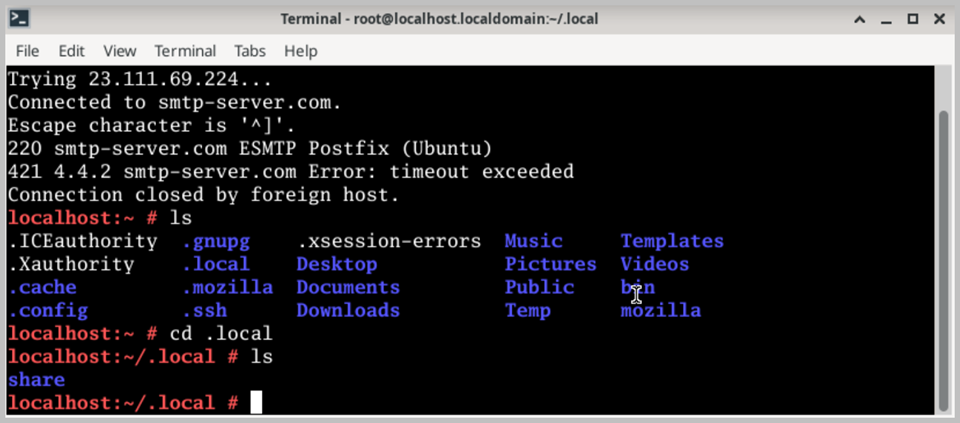
The terminal supports multiple tabs within a single window, allowing you to run several independent command-line sessions simultaneously without opening multiple windows. Each tab can be named and color-coded for easy identification, making it convenient to manage multiple tasks or connections at the same time. The tabbed interface keeps your workspace organized and uncluttered, even when working with several concurrent sessions.
Xfce Terminal offers a range of customization options, including configurable font type and size, foreground and background colors, transparency settings, and scrollback buffer size. These options allow you to tailor the terminal appearance to your personal preferences and working style. The terminal also supports copy and paste operations using standard keyboard shortcuts, as well as middle-click paste from the clipboard for efficient text input.
When running commands that require elevated privileges, Xfce Terminal can be launched in superuser (root) mode, providing full administrative access to the system. This is particularly useful within the Active@ LiveCD environment, where many disk management and system recovery operations require root-level permissions. When running Active@ LiveCD from a USB drive, all terminal preferences and customizations are preserved between sessions.