Screenshot
Screenshot is a simple and straightforward screen capture utility included with the Active@ LiveCD environment. It allows you to capture the current contents of the display and save them as image files, making it a useful tool for documenting system states, recording error messages, capturing disk information, and creating visual records of operations performed during data recovery or system administration tasks.
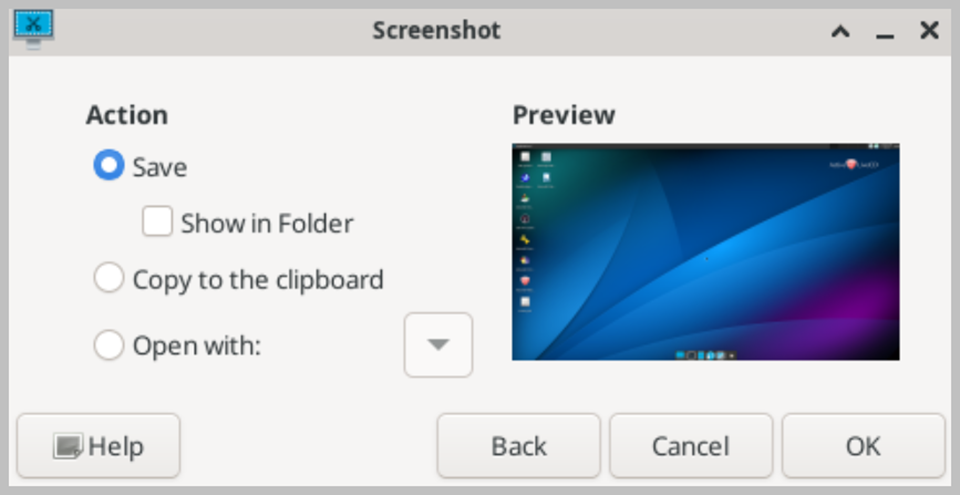
The application can be launched from the Start menu or activated instantly at any time by pressing the Print Screen key on the keyboard. When activated, a small dialog box appears offering several capture options. You can capture the entire desktop, a single application window, or a specific rectangular area of the screen selected by dragging the mouse cursor. A configurable delay option allows you to set a countdown in seconds before the capture is taken, giving you time to open menus, position windows, or set up the screen exactly as you want it to appear in the screenshot.
Captured images are saved in PNG format by default, which provides lossless compression and is suitable for most documentation purposes. The save dialog allows you to choose the destination folder, specify a file name, and select an alternative image format if required. When running Active@ LiveCD from a USB drive, captured screenshots are saved directly to the USB drive and remain available the next time you launch the system.