qpdfview
qpdfview is a lightweight, tabbed document viewer designed for fast and efficient viewing of PDF, PostScript, and DjVu files. It provides a clean and straightforward interface that prioritizes speed and simplicity, making it an ideal tool for quickly opening and reading documents within the Active@ LiveCD environment without the overhead of a larger, more complex document management application.
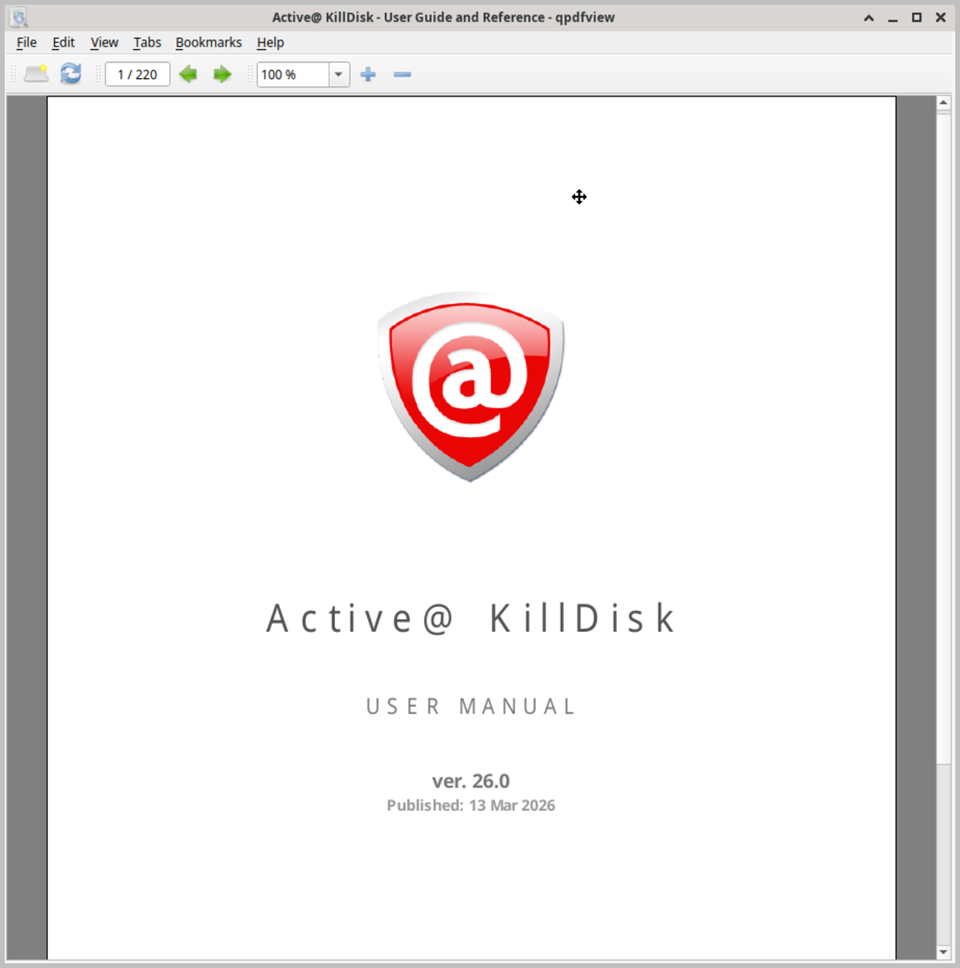
The most distinctive feature of qpdfview is its tabbed interface, which allows you to open and manage multiple documents simultaneously within a single window. Each open document occupies its own tab, making it easy to switch between several files without cluttering the desktop with multiple windows. This is particularly useful when cross-referencing technical manuals, user guides, or documentation files while performing disk recovery or system administration tasks within Active@ LiveCD.
qpdfview provides a comprehensive set of document navigation and viewing options. Pages can be browsed sequentially using the keyboard arrow keys, the scroll wheel, or the navigation toolbar. A thumbnail panel on the left side of the window displays miniature previews of all pages in the document, allowing you to jump directly to any page with a single click. A built-in table of contents panel is also available for documents that include bookmarks or chapter navigation, providing quick access to specific sections of longer documents.
The viewer supports multiple page layout modes, including single page, facing pages, and continuous scrolling, allowing you to choose the most comfortable reading mode for the type of document you are viewing. The zoom level can be adjusted freely, and preset zoom options such as fit to width, fit to page, and a range of fixed percentage values are available from the toolbar for quick adjustment. Full-screen and presentation modes are also supported, making qpdfview suitable for displaying documents in a presentation context.
Additional features include a built-in text search function that highlights all occurrences of a search term throughout the document, support for following internal and external hyperlinks within PDF files, and the ability to select and copy text from PDF documents to the clipboard. Documents can also be printed directly from within qpdfview using the standard print dialog. When running Active@ LiveCD from a USB drive, all qpdfview preferences and recently opened document paths are preserved between sessions.