Gwenview
Gwenview is a fast, lightweight, and feature-rich image viewer developed as part of the KDE software suite. It provides a clean and intuitive graphical interface for browsing, viewing, and performing basic editing operations on images stored on local drives, removable media, and network-attached storage devices. Within the Active@ LiveCD environment, Gwenview serves as the primary tool for viewing and inspecting image files, including disk images, screenshots, scanned documents, and photographs.
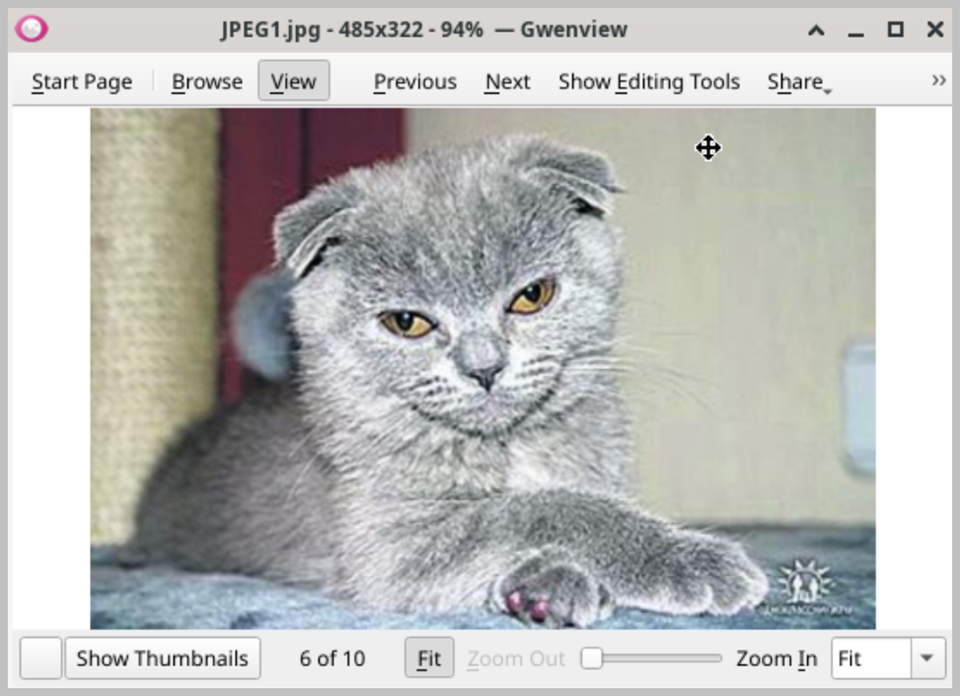
The main interface is divided into three key areas: a left side panel displaying a folder tree and thumbnail browser for quick navigation between image collections, a central viewing area that displays the currently selected image at full resolution, and a bottom panel showing a filmstrip view of the other images in the current folder. This layout allows you to quickly browse through large collections of images while keeping the selected image in clear focus. Navigation between images can be performed using the keyboard arrow keys, the filmstrip panel, or the built-in navigation buttons, making it fast and effortless to move through an entire folder of images.
Gwenview supports a wide range of common image formats, including JPG, PNG, GIF, BMP, TIFF, XPM, and many others, ensuring compatibility with virtually any image file you are likely to encounter. Images can be viewed at their original resolution or scaled to fit the window, and the zoom level can be adjusted freely using the mouse wheel or the zoom controls in the toolbar. Full-screen viewing mode is also available, providing a distraction-free environment for inspecting images in detail.
In addition to viewing, Gwenview provides a set of basic image editing tools that allow you to perform common adjustments directly within the application without the need for a dedicated image editor. Available operations include rotating and flipping images, cropping to a selected area, and adjusting brightness, contrast, and color balance. These tools are sufficient for most routine image correction tasks and make Gwenview a practical all-in-one solution for basic image management.
Gwenview also supports slideshow mode, which automatically cycles through all images in the current folder at a configurable interval, making it useful for reviewing large collections of screenshots or photographs. Images can be printed directly from within Gwenview using the built-in print dialog, which supports standard paper sizes and print quality settings. When running Active@ LiveCD from a USB drive, all Gwenview preferences and recently visited folder locations are preserved between sessions.