ClamTk Virus Scanner
ClamTk is a graphical front-end for the ClamAV open-source antivirus engine, providing an easy-to-use visual interface for scanning local disks and files for viruses, malware, trojans, and other malicious software. Within the Active@ LiveCD environment, ClamTk serves as the primary security scanning tool, allowing you to inspect potentially compromised drives and file systems without the risk of the host operating system interfering with or concealing active malware.
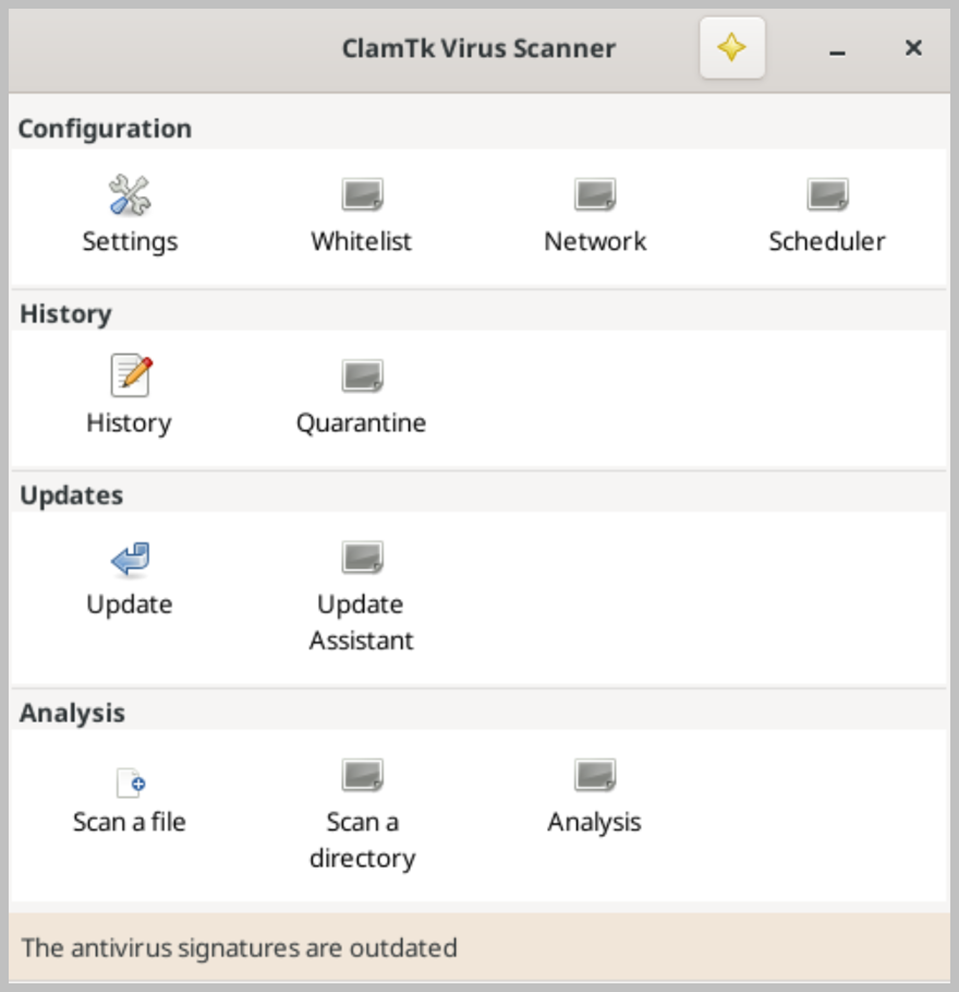
One of the key advantages of running ClamTk from within Active@ LiveCD is that the system being scanned is not actively running its own operating system. This means that malware that would normally remain hidden or protected by the host system — such as rootkits, boot-sector viruses, and memory-resident threats — is fully exposed and accessible for detection and removal. This makes ClamTk particularly effective for scanning systems that are suspected of being compromised and cannot be safely cleaned from within the infected operating system itself.
Before performing a scan, ClamTk allows you to download and update the latest virus definition database directly from the internet, ensuring that the scanner is equipped with the most current threat signatures available. The virus database is maintained and updated regularly by the ClamAV project, covering a comprehensive range of known threats across Windows, Linux, and other platforms. Keeping the database up to date is strongly recommended before performing any security scan to maximize detection accuracy.
ClamTk provides flexible scanning options, allowing you to scan individual files, specific folders, or entire disk partitions depending on your requirements. Scan results are clearly presented in the application window, listing all detected threats along with their location, threat name, and severity. Detected infected files can be quarantined to a safe isolated location to prevent further harm, or deleted permanently if they are confirmed as malicious and no longer needed.
The application also maintains a scan history log, allowing you to review the results of previous scans and track any threats that were detected and addressed over time. This can be useful for documenting the security status of a drive before and after a cleaning operation, particularly in professional data recovery or forensic scenarios where a record of findings may be required.