Shortcuts
Several permanent icons appear on the desktop after Active@ LiveCD starts up. To see a tooltip with additional information about a quick launch icon, hover the mouse pointer over the icon.
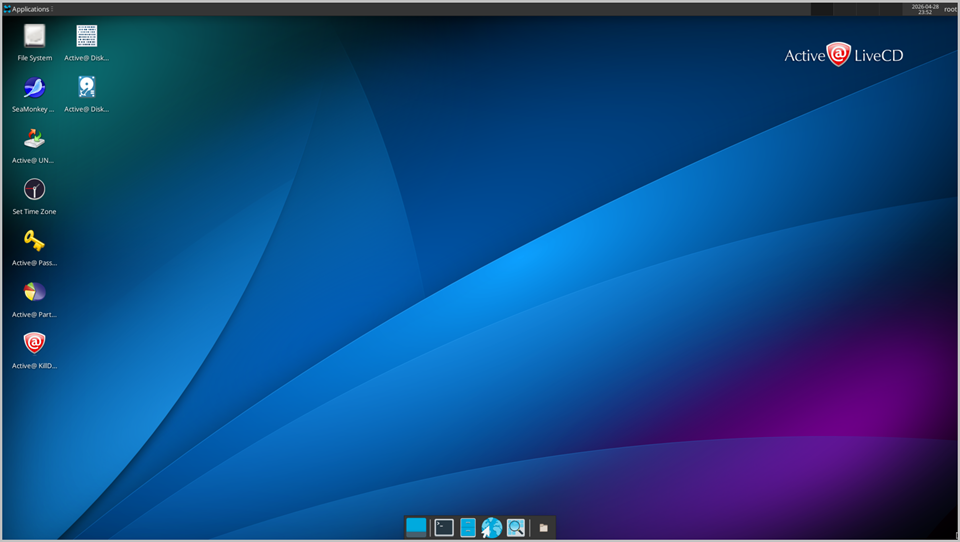
Use these icons to quickly open the following programs:
- Active@ Disk Backup
- Active@ UNDELETE
- Active@ Partition Recovery
- Active@ Password Changer
- Active@ Disk Editor
- Active@ KillDisk
- Thunar File Manager
- SeaMonkey Web Browser
- Set Time Zone (important to verify on first launch)
Note:
To add shortcuts to the desktop, configure existing ones, or remove unwanted icons, right-click on the desktop to invoke the context menu and select the relevant command.